Introduction
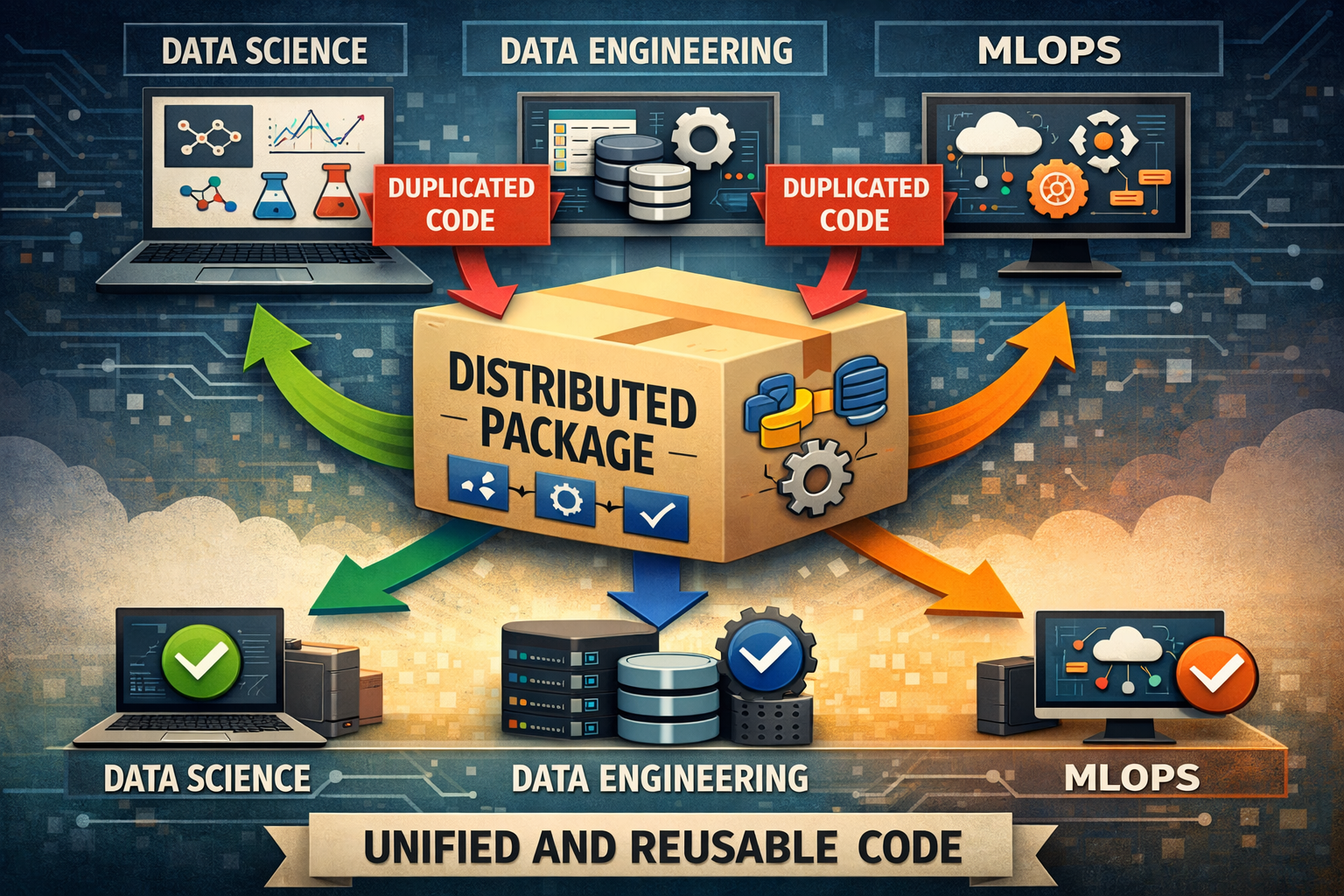
As a Data Manager, one of my biggest responsibilities is defining technical standards across all data teams: Data Science, Business Intelligence, Data Engineering, and Machine Learning Operations.
This was easy with a small team. However, as the team started to grow, code fragmentation became increasingly evident. Each team maintained its own custom version of critical utilities: database connections, environment configurations, shared constants, etc.
The result was predictable but frustrating:
- Inconsistent Bugs: A bug fixed by the DS team wasn’t always propagated to other teams, causing the same issue to resurface weeks later in DE or MLOps.
- Duplicate Development: Multiple implementations of the same Redshift Data Warehouse connection across teams.
- Deployment Friction: Airflow DAGs failed because they used different configurations than batch models, and this sometimes affected online inference as well.
- Slow Onboarding: New team members didn’t know which version of the code was “correct,” extending their ramp-up time significantly.
An Internal Distributed Packaging (a.k.a Python Library)
The solution was to implement an internal distributed packaging system using AWS CodeArtifact, which became the single source of truth for code across our teams.
Why CodeArtifact?
We evaluated several options (private PyPI, Git submodules, monorepo), but CodeArtifact had some advantages we needed:
- Native integration with AWS: Our stack is already on AWS (Redshift, S3, ELB, etc.).
- Automatic version control: Out of box semantic versioning.
- Granular access control: IAM roles to control who publishes and who consumes.
- Zero maintenance: We didn’t have to provide support for a PyPI server.
Package Architecture
Now I’ll demonstrate how to build and publishing a Python Library that other engineers use. The example that we’ll be working on is a Database Connection Manager
We’ll structure our internal package (data-platform-toolkit) on modules:
data-platform-toolkit/
├── LICENSE
├── README.md
├── data_platform_toolkit
│   ├── __init__.py
│   └── connections
│       ├── __init__.py
│       └── redshift.py
├── example.env
├── pyproject.toml
Technical Implementation
Setup CodeArtifact
First we need to create the CodeArtifact domain and repository
# Create the domain
aws codeartifact create-domain \
    --domain data-platform \
    --region us-west-2

# Create the repository
aws codeartifact create-repository \
    --domain data-platform \
    --repository data-platform-toolkit \
    --region us-west-2 \
    --description "Shared utilities for data teams"

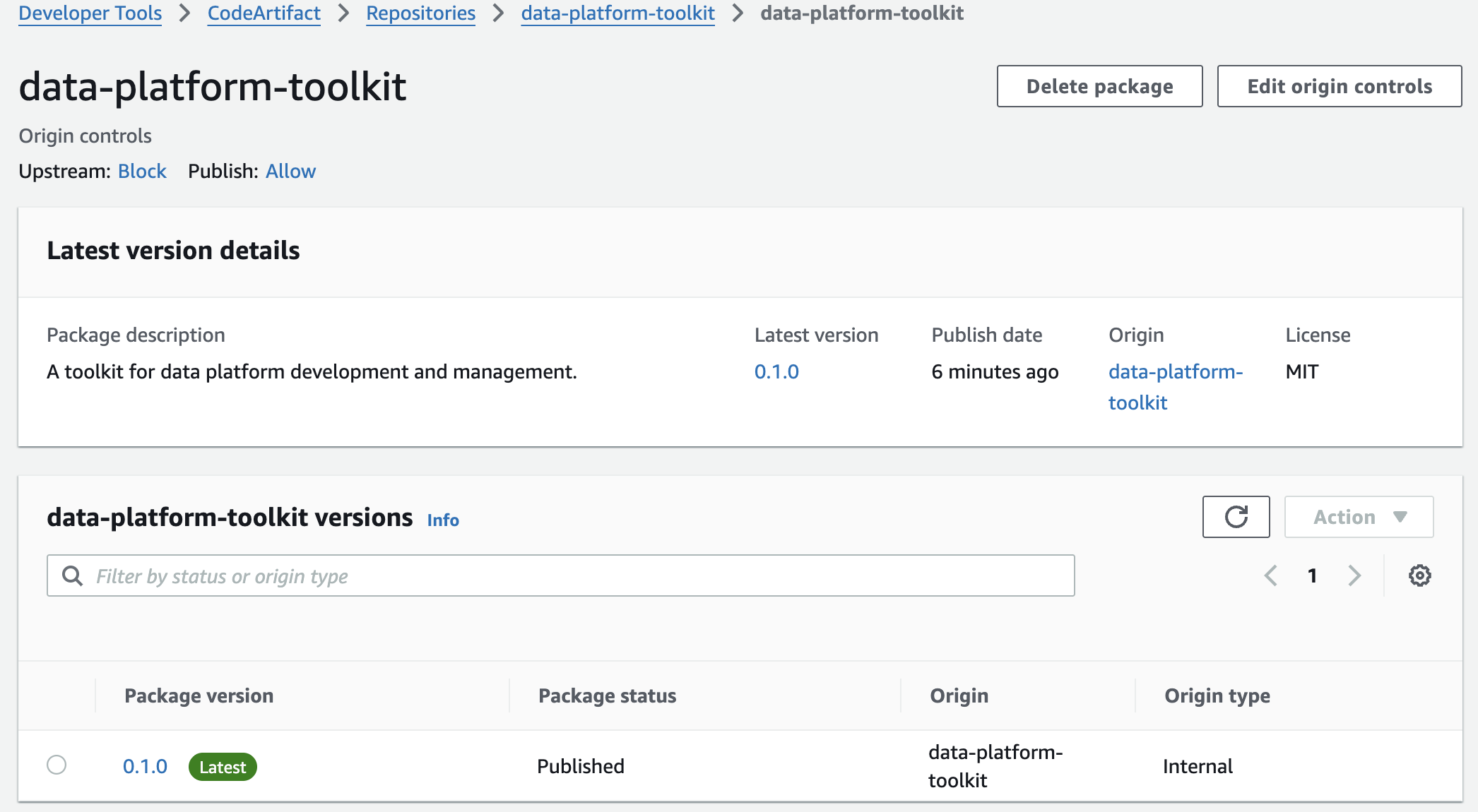
Then the package is published to AWS CodeArtifact repository automatically through Github Actions on every merge to main.
Installing from CodeArtifact
Authenticate with AWS first, then install with pip:
# Authenticate (required once per session or when the token expires)
aws codeartifact login \
    --tool pip \
    --domain data-platform \
    --domain-owner <ID_ACCOUNT> \
    --repository data-platform-toolkit \
    --region us-west-2

# install a specific version (--extra-index-url lets pip fetch dependencies from PyPI)
pip install data_platform_toolkit==0.1.0 --extra-index-url https://pypi.org/simple

# Or install the latest published version
pip install data_platform_toolkit --extra-index-url https://pypi.org/simple
You need AWS credentials with read access to the
data-platformCodeArtifact domain.